RFUGM - User Group Munich
More info
RFUGM - User Group Munich
Robot Framework® is an open source automation framework for test automation and robotic process automation (RPA). It is supported by the Robot Framework Foundation and widely used in the industry.
Its human-friendly and versatile syntax uses keywords and supports extending through libraries in Python, Java, and other languages.
It integrates with other tools for comprehensive automation without licensing fees, bolstered by a rich community with hundreds of 3rd party libraries.
Includes community-organized events
RFUGM - User Group Munich
This The in-person conference is for all Robot Framework users out there.
This Online conference is for all Robot Framework users out there.

Pekka Klärck has been named Finnish Code Promoter of the Year 2026 by Koodia Suomesta, recognising how his 2005 master's thesis grew into the global Robot Framework ecosystem. More info (in Finnish) behind the link.

Your news, delivered to you!
Our aim is to keep you informed about relevant topics that pique your interest.
We aim to have a monthly newsletter but depending on the areas of your interest, you might receive an email from us 4-12 times a year.
Become a guest on the RF Podcast or in our Live Sessions! Submit a proposal!
Automated system-level validation of an embedded passenger counting sensor with Robot Framework
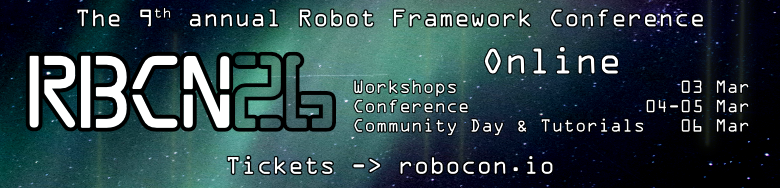
Want a glimpse of the RoboCon 2026 Helsinki energy?
Join stream 12:00 GMT!
Blog post: Why join RoboCon 2026 Online!
This isn’t just watching talks. It’s conversations that leave a trace.
🎟 Last-minute tickets – 20% off Code: RBCN-ONL-20 👉 robocon.io

Nww Blog post: RoboCon 2026: Where the Robot Framework Community Comes Together!
Wrap up the year with some sweet discounts:
✨ Helsinki Ticket: Use code 15-END-HEL, Valid until Dec 31, 2025
🌐 Online Ticket: Use code 15-END-ONL, Valid until Dec 31, 2025
Call for Participation closes — October 19th! Got a talk idea? Want to run a workshop or tutorial? Now’s the perfect time to get your proposal in.
Learn how to package and distribute Robot Framework tests and RPA workflows when CI/CD isn’t an option — insights from community expert Franz Haas.
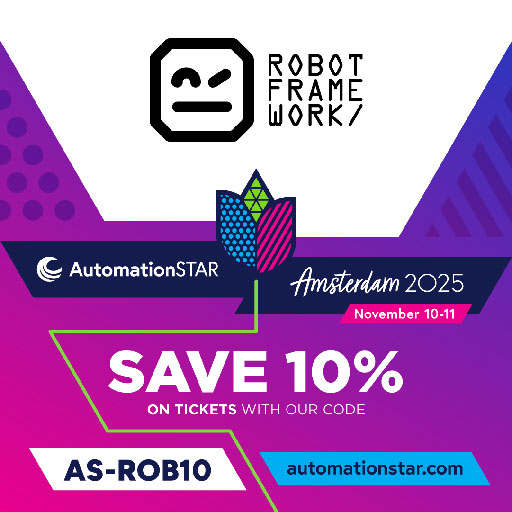
The Robot Framework Foundation will be on a booth at AutomationSTAR! Community discount: Use code AS-ROB10 for 10% off your ticket.
Join us online on October 1st, 2025 for a full day of live, interactive workshops built for the Robot Framework community.
Why the Robot Framework Foundation matters — and why it’s key to the future of the tool you rely on.
We're excited to invite innovative project proposals for the Robot Framework ecosystem. Whether you have ideas for new projects, enhancements to existing ones, or a vision for long-term initiatives, this is your chance to make a significant impact!
The Robot Framework Foundation will be at AutomationSTAR this November — come visit our booth and connect with the community! Community discount: Use code SORF10 for 10% off your ticket.
Become a Robot Framework Certified Professional. Take our new certification exam and show your skills.
New Blog text about RoboCon 2025 recap is out!
New Blog text about robot framework-construct is out!
Do you have a vision to enhance the capabilities of Robot Framework? Are you eager to develop new tools or libraries that will revolutionize automation testing or RPA? Submit a proposal and request funding!
Submission deadline: 30th September 2024 at 11:59 PM.
Come and speak at the biggest Robot Framework conference! Submit a proposal and take an opportunity to make an influential impact on the most amazing open-source community.
Submission deadline: 20th October 2024 at 11:59 PM.

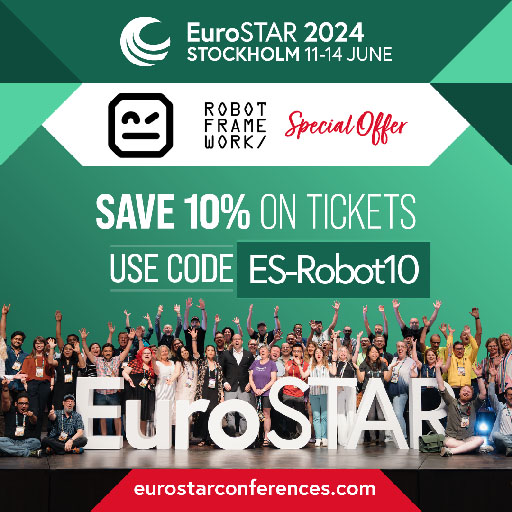
Meet the Robot Framework Foundation at EuroStar sponsor booth where we are together with Eficode. 10% discount on the ticket for our friends with code ES-Robot10 !
🙌Robot Framework 7.0.1 is out—fixing regressions, bugs from earlier release & introduces Japanese localization.✨Note: Two backwards incompatible fixes, reverting previous designs. Details & thanks to all contributors trough the link.
Blog: the Spring news with the Robot Framework Foundation.
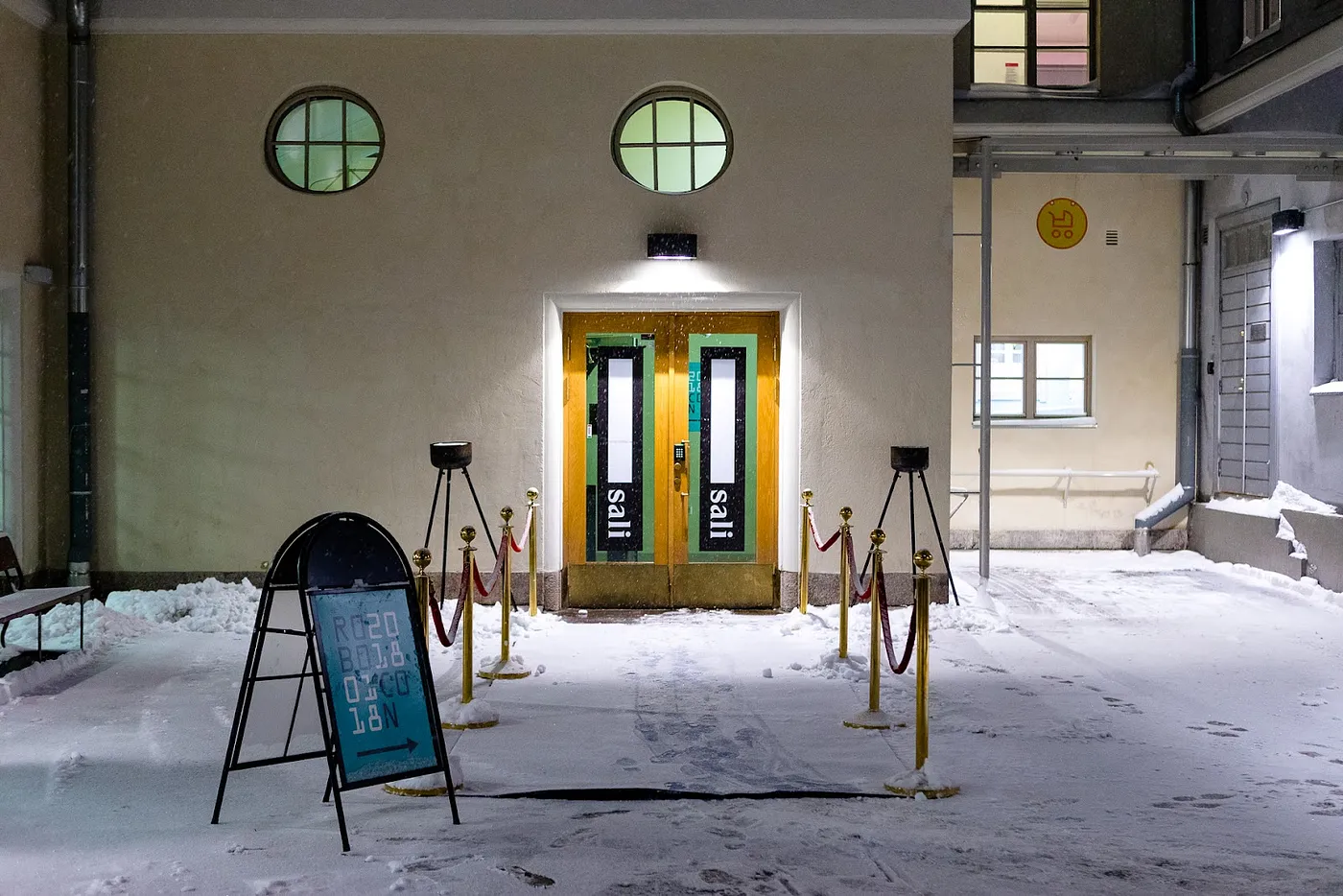
The Dawn of RoboCon: A Tale of Valor and Vision
A war story about learning from mistakes and turning a disaster into victory.
Code is worth a thousand words.
Below you'll find a live Robot Framework editor. Feel free to experiment with it — if you find bugs, please report them in GitHub issues.
To start using Robot Framework in a project of your own, see the Install and Learn tabs. And do visit the Robot Framework Docs.
The Robot Framework editor
It runs Robot Framework in your browser, so it needs JavaScript.
Robot Framework is open source and supported by the Robot Framework Foundation. There is a huge community of contributors around the tool. The software is built with expandability in mind, and there are numerous ways to extend its use cases.
If you have created or found a library that you think should be listed here, please let us know by submitting a pull request or an issue. You are also welcome to report unmaintained ones that shouldn't be listed any more.
Separately developed external libraries that you install as you need them. Creating your own is straightforward — see creating test libraries in the User Guide.
| AppiumLibrary | Android and iOS testing. Uses Appium internally. | |
| ArchiveLibrary | Handling zip- and tar-archives. | |
| AutoItLibrary | Windows GUI testing library that uses AutoIt freeware tool as a driver. | |
| AutoRecorder | Allows automatically recording video for test/suites execution. | |
| Browser Library | A modern web testing library powered by Playwright. Aiming for speed, reliability and visibility. | |
| CncLibrary | Driving a CNC milling machine. | |
| ConfluentKafkaLibrary | Python confluent kafka. |
Robot Framework has a vibrant community of testing enthusiasts around it. Stop by if you have questions, need advice, or would just like to connect with like-minded people.
There is also an annual RoboCon conference hosted in Helsinki, Finland. For more information and to watch previous years' talks, visit robocon.io or our YouTube channel.
To support Robot Framework you can find a T-shirt and a coffee cup in our shop.
Official Robot Framework forum.
Community team chat. Click for invite!
Development of Robot Framework is funded by the non-profit Robot Framework Foundation. It consists of companies and organisations that want to ensure the continuity of Robot Framework now and in the future.
The project is hosted on GitHub.
Thanks to the sponsors, Robot Framework remains completely free to use while being actively maintained and developed. The Foundation also covers related expenses such as the development of this website and organising various meetups.
Loading milestones…